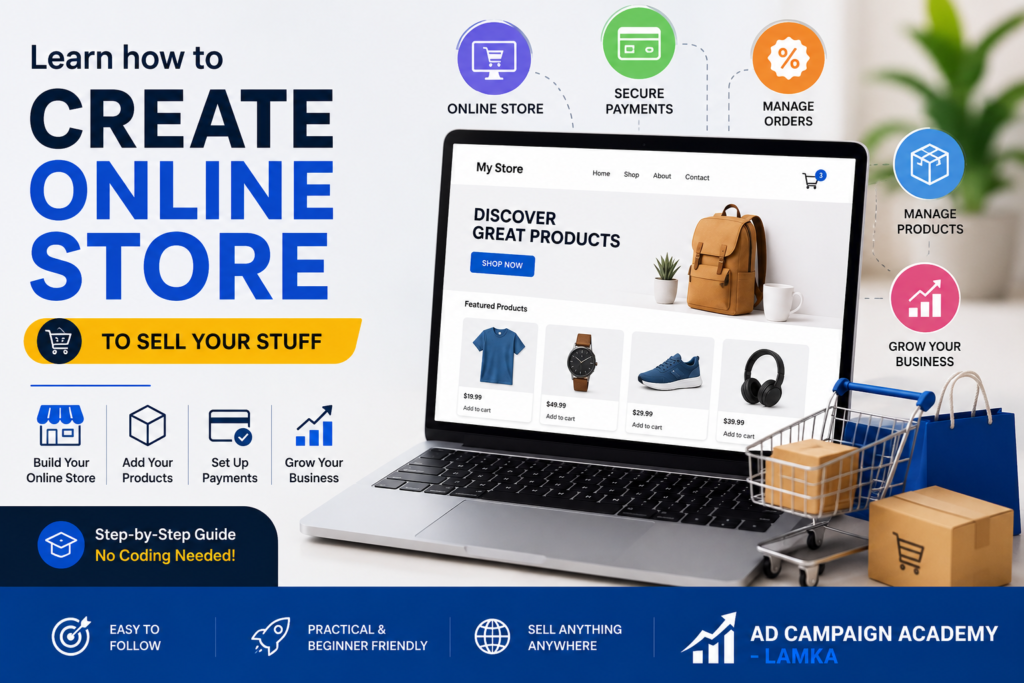
The way people shop has changed dramatically over the past decade. Today, millions of customers purchase products online every day, making e-commerce one of the fastest-growing industries in the world. Whether you sell handmade products, clothing, electronics, books, groceries, or digital services, having your own online store allows you to reach customers far beyond your local area.
If you’ve ever wanted to start an online business but didn’t know where to begin, this beginner’s guide will help you understand the essential steps to creating a professional e-commerce website and selling your products successfully.
Why Start an Online Store?
An online store is open 24 hours a day, allowing customers to browse and buy products anytime. Unlike a traditional shop, you can reach buyers across your city, state, country, or even internationally.
Some of the biggest advantages include:
- Sell products 24/7
- Reach more customers online
- Lower operating costs than many physical stores
- Accept secure online payments
- Manage orders from one dashboard
- Track sales and customer behavior
- Scale your business as it grows
With the right tools and marketing strategy, even a small business can compete effectively in the online marketplace.
Step 1: Choose the Right Products
Before building your website, decide what you want to sell. Choose products that solve a problem or meet customer demand. Research your competitors, understand your target audience, and identify what makes your products unique.
Popular categories include:
- Fashion and clothing
- Electronics
- Beauty products
- Handmade crafts
- Home décor
- Grocery items
- Books
- Digital products
- Health and fitness accessories
Step 2: Build Your E-commerce Website
Your website is the foundation of your online business. A professional e-commerce store should be easy to navigate, mobile-friendly, and secure.
Many entrepreneurs choose WordPress with WooCommerce because it offers flexibility, affordability, and thousands of customization options. Other platforms such as Shopify are also popular for beginners.
Your website should include:
- Home page
- Product pages
- Shopping cart
- Secure checkout
- About Us page
- Contact page
- Privacy Policy
- Terms & Conditions
- Return and Refund Policy
A fast-loading website with high-quality product images and detailed descriptions helps build customer trust.
Step 3: Add Payment and Shipping Options
Customers expect convenient and secure payment methods. Integrating trusted payment gateways allows buyers to complete purchases with confidence.
Common payment options include:
- UPI
- Credit and Debit Cards
- Net Banking
- Digital Wallets
- Cash on Delivery (where applicable)
You should also define shipping charges, delivery timelines, and order tracking so customers know what to expect after placing an order.
Step 4: Optimize Your Store for Search Engines
Creating a website is only the beginning. To attract visitors, your online store should be optimized for search engines (SEO).
Basic SEO practices include:
- Use relevant keywords in product titles.
- Write unique product descriptions.
- Optimize images with descriptive file names and alt text.
- Improve website speed.
- Make your website mobile responsive.
- Publish helpful blog articles related to your products.
SEO helps your store appear in search results when potential customers look for products online.
Step 5: Promote Your Online Store
Once your website is live, marketing becomes essential. Digital marketing helps bring targeted visitors to your store and increase sales.
Effective marketing channels include:
- Google Search Ads
- Google Shopping Ads
- YouTube Advertising
- Facebook Advertising
- Instagram Marketing
- Email Marketing
- WhatsApp Marketing
- Content Marketing
- Influencer Collaborations
Running well-targeted campaigns can help you reach customers who are actively searching for your products.
Step 6: Monitor Performance and Improve
Successful online businesses continually analyze their performance. Tools such as Google Analytics allow you to monitor website traffic, customer behavior, and sales performance.
Track important metrics like:
- Number of visitors
- Conversion rate
- Best-selling products
- Customer acquisition cost
- Return on advertising spend
- Average order value
Using this data, you can improve your website, marketing campaigns, and customer experience over time.
Learn E-commerce the Practical Way
Building an online store is easier when you receive structured training. Learning from experienced professionals helps you avoid common mistakes and understand the complete process—from website creation to digital marketing.
A practical e-commerce course typically covers:
- WordPress Website Development
- WooCommerce Store Setup
- Product Upload and Inventory Management
- Payment Gateway Integration
- Shipping Configuration
- Search Engine Optimization (SEO)
- Google Ads
- Meta (Facebook & Instagram) Ads
- Social Media Marketing
- Google Analytics
- AI Tools for E-commerce
- Live Projects and Case Studies
Hands-on experience gives you the confidence to launch and manage your own online business.
Final Thoughts
Creating an online store is one of the best ways to grow a business in today’s digital economy. With the right platform, quality products, secure payment options, and effective digital marketing, you can reach more customers and increase your sales.
Whether you’re a student, entrepreneur, freelancer, or small business owner, learning e-commerce skills can open new opportunities. Start with a solid foundation, keep improving your store, and stay focused on delivering value to your customers. Your online business journey begins with taking the first step—and there’s no better time to start than today.